Why Parental Controls Have an Image Problem
Parental controls occupy an awkward cultural space. Among parents who have never used them, they carry an aura of complexity: the assumption that configuring and maintaining them takes technical knowledge. Among parents who have set them up, there is often an implicit assumption that the problem is now handled: the controls are on, so the child is protected.
Both positions are wrong in ways that matter. The first leads to inaction when tools are readily available and genuinely useful. The second creates false confidence in systems that have real limitations and well-documented bypass routes. Understanding what parental controls actually do (accurately, rather than optimistically) is essential before relying on them. The broader online safety misconceptions worth reading extends this analysis to related areas, but the myths specific to controls are worth addressing directly.
Myth 1: 'Parental Controls Block Everything Harmful'
The most widespread misconception is that a well-configured set of controls creates a comprehensive filter between a child and the internet's worst content. It does not.
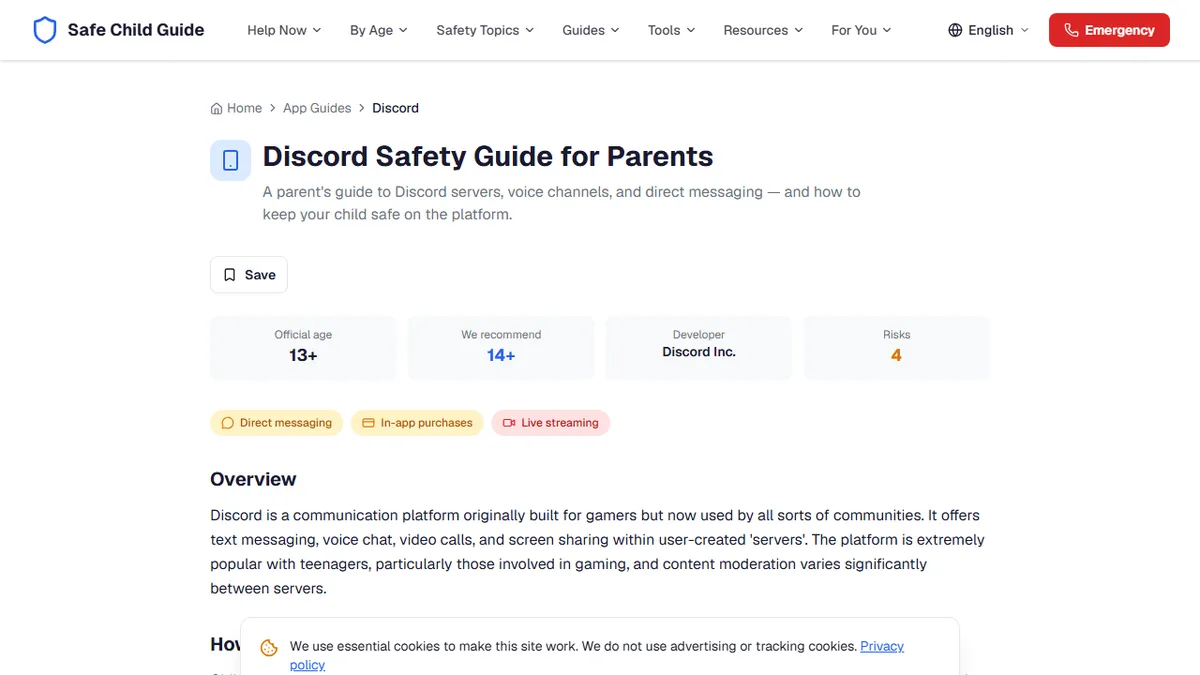
Content filtering works by categorising websites and blocking those that match predefined harm categories: adult content, violence, gambling. This works reasonably well for established, large-scale harmful sites. It fails in several predictable ways. New sites are constantly being created. Social media platforms, where a significant proportion of harmful content is now distributed, are not blocked by broad category filters because they are legitimate platforms. Search engines are filtered by safe search, not blocked, and safe search has known failure modes. User-generated content on otherwise legitimate platforms, such as YouTube comments, Discord servers, or game lobbies, is entirely outside what a URL-based filter can evaluate.
Controls reduce exposure to some harmful content in some contexts. They do not create a protective ceiling.
Myth 2: 'My Child's School Device Is Already Filtered'
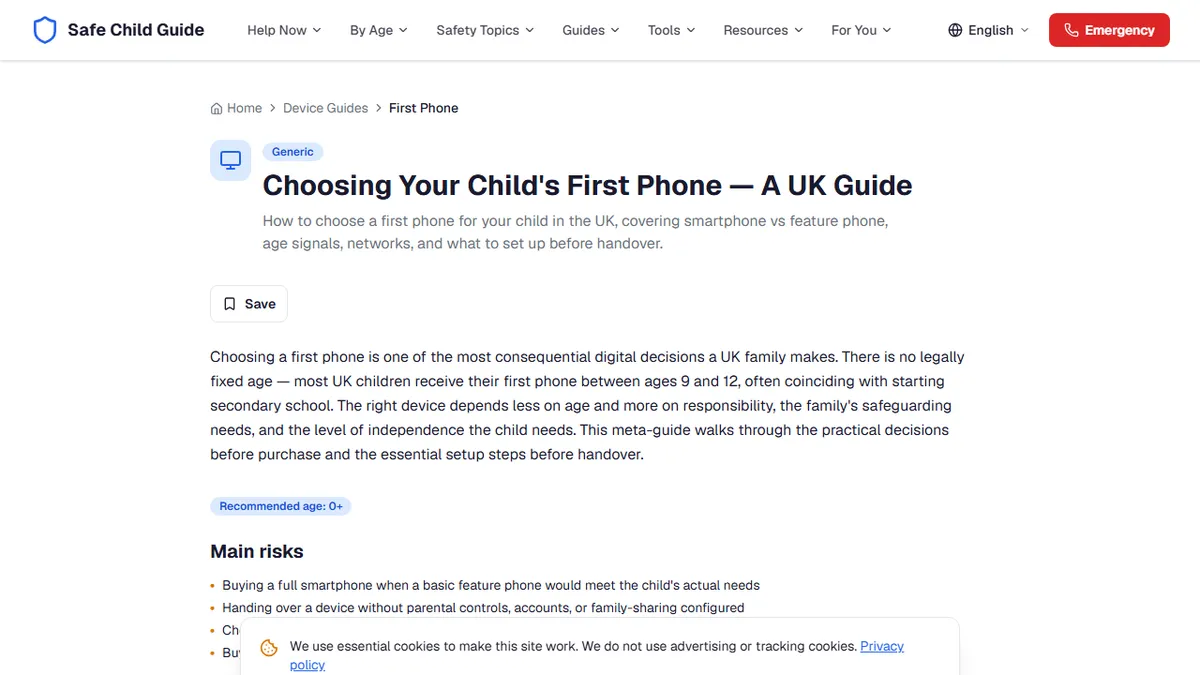
Schools in the UK are required under Keeping Children Safe in Education to maintain appropriate content filtering on school devices. Many parents reasonably assume this extends meaningful protection beyond school hours when the device comes home.
School network filtering is applied at the network level, meaning it functions when the device is connected to the school network. When the same device connects to your home wi-fi or uses mobile data, most of those network-level controls stop applying. The device itself may have some endpoint filtering installed, but this varies by school and by device type. A Chromebook managed through Google Workspace for Education retains some settings remotely; an unmanaged Windows laptop may retain none.
Before assuming a school device is protected at home, it is worth asking the school what filtering, if any, applies to the device when off-site.
Myth 3: 'Safe Search Means They Cannot Find Inappropriate Content'
Safe search on Google, Bing, and similar search engines suppresses explicit content from search results. Most parents who enable it on a family device consider that matter resolved. The limitation is significant: safe search is a filter on search result pages, not a filter on the internet.
A child who navigates directly to a site (rather than searching for it) bypasses safe search entirely. A child who searches on a different device, or on a platform with its own search function such as YouTube or TikTok, is outside the scope of the setting applied to Google on the household laptop. A child who uses a VPN routes traffic through a different server and can bypass network-level safe search enforcement. VPNs are straightforward to download and common among secondary school students.
Safe search is a useful baseline measure. It is not an access control.
Myth 4: 'Screen Time Controls Mean They Cannot Bypass the Limit'
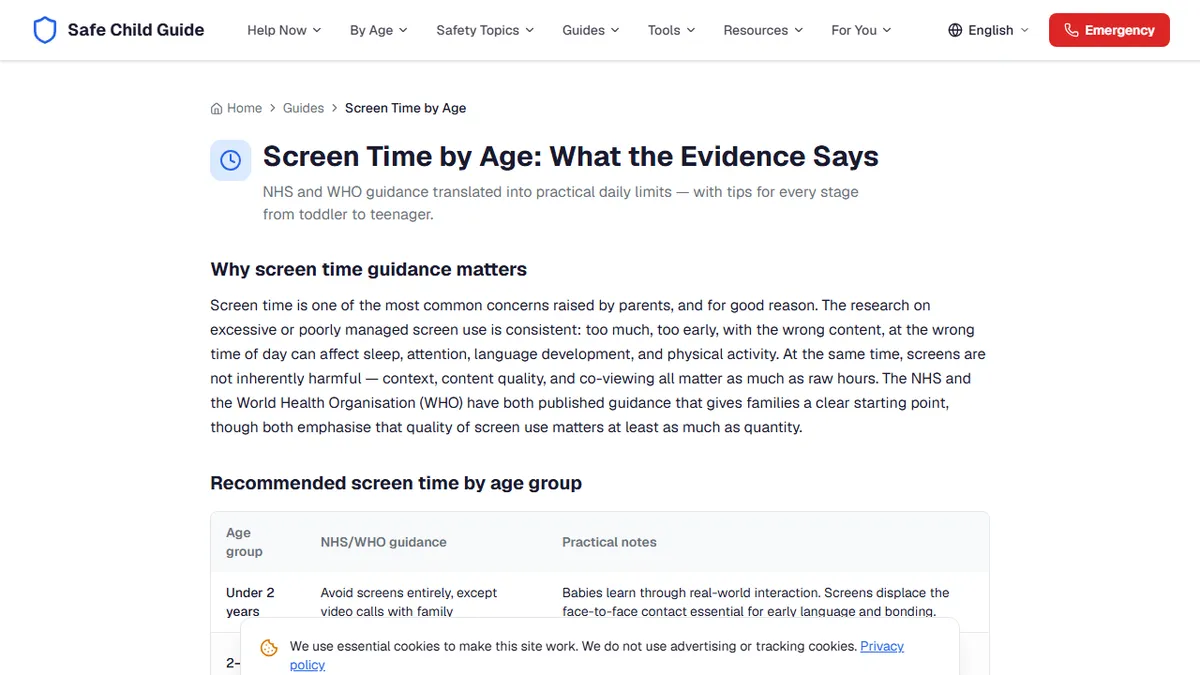
Both Apple Screen Time and Google Family Link can be bypassed, and secondary school students share methods routinely. The specific techniques change as platforms patch them, but the general vulnerabilities are structural: a child who knows a Screen Time passcode can change it; a child who can do a factory reset on a device loses all controls; secondary accounts on the same device can be created without the Screen Time restrictions applying; and on Android, sideloading apps outside the Play Store can circumvent Family Link's app approval controls.
This is not an argument against using time controls. They are effective for younger children and for establishing norms. It is an argument against using them as primary safety mechanisms with teenagers who are motivated to work around them. The how layered controls work together approach treats device controls as one layer among several, supplemented by router-level filtering, network controls from the mobile operator, and, crucially, relationship-based oversight.
Myth 5: 'Setting Up Controls Once Is Enough'
Platform updates regularly move, rename, or change the functionality of parental settings. A Screen Time configuration set up in one iOS version may behave differently after a major update. New apps appear that your approved-list configuration does not cover. A child's growing age means the appropriate restriction level changes even when the platform stays the same.
Digital safety is a maintenance task, not a one-time installation. Reviewing settings annually at minimum — and after any major OS update or when a child transitions to a new developmental stage — is necessary to ensure controls are actually doing what you believe they are. A ten-minute check once every six months is more protective than a two-hour setup done once three years ago.
What Parental Controls Do Well — and What Only Conversation Can Cover
Parental controls are genuinely valuable for what they are suited to: reducing casual exposure to adult content for younger children, setting bedtime device-off routines, preventing accidental in-app purchases, and giving parents visibility into overall usage patterns. For children under ten, well-configured controls provide meaningful protection in a form appropriate to the developmental stage.
What controls cannot provide is resilience. A child who has been taught to recognise uncomfortable situations and knows they can tell a trusted adult without consequence is protected across every platform, every device, and every context — including the ones that bypass every technical control you have set. Building that relationship, that habit of disclosure, and that sense of safety is the protection that travels everywhere.